Hyperkin The Competitor Review: The PlayStation Controller Xbox Fans Have Been Waiting For
If you grew up with a PlayStation controller in your hands, moving to the Xbox or PC can feel like learning a new language. The asymmetrical sticks just don’t feel “right” to everyone. Enter the Hyperkin The Competitor—an officially licensed Xbox controller that brings the iconic symmetrical PlayStation layout to the Microsoft ecosystem.
After putting this controller through its paces for the last few weeks on both PC and Xbox, here is my deep dive into why this might be the most important addition to your gaming desk.
Design & Ergonomics: A DualSense for the Xbox World
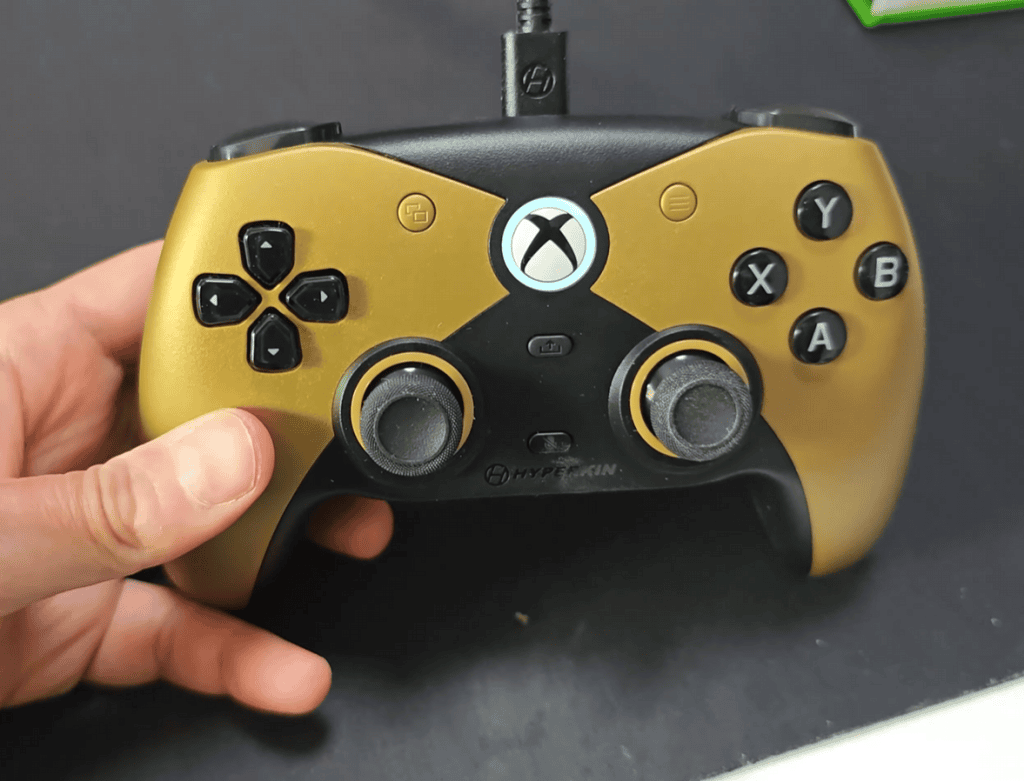
The first thing you’ll notice is the shape. It is clearly inspired by the PS5 DualSense, featuring a wider, more substantial body.
- Symmetrical Layout: The analog sticks sit side-by-side at the bottom, a lifesaver for those of us with PlayStation muscle memory.
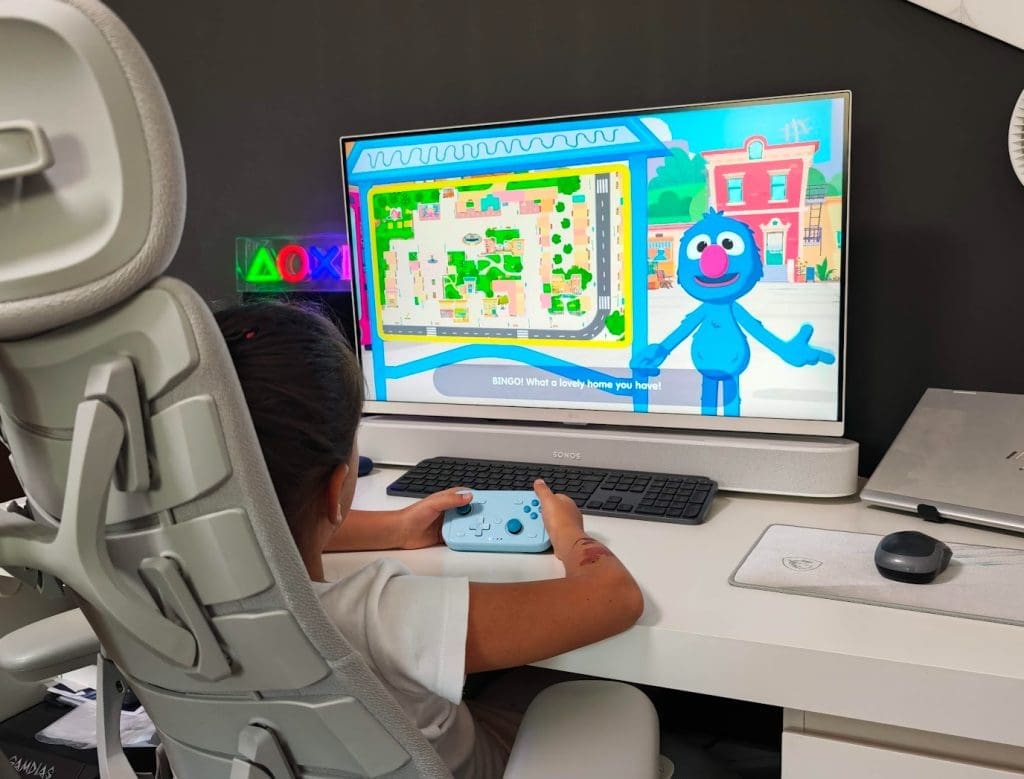
- Adult-Oriented Size: This is a “full-sized” controller. During my testing, I found it perfect for adult hands, though my younger testers found it a bit bulky. If you like a remote that fills your grip, this is it.
- Ultra-Lightweight: Despite its size, it is incredibly light—even lighter than Hyperkin’s own Pixel Art controllers. This reduces wrist fatigue during those marathon four-hour sessions.
The Tech: Say Goodbye to Stick Drift
The standout technical feature is the Hall Effect joystick sensors. Unlike standard controllers that use physical contact (which eventually wears down and causes “drift”), the Competitor uses magnets.
“Because it uses magnetic sensors instead of physical contact, you aren’t going to get stick drift. You’re going to be using this for a very long time.”
For competitive gamers, the specs are equally impressive. Because it’s a wired connection, you’re getting a 4ms input latency and a 250Hz polling rate. In fast-paced shooters or fighting games, those milliseconds matter.
Key Features & Customization
Hyperkin packed several “pro” features into this budget-friendly device:
- Programmable Back Buttons: There are two custom buttons on the rear. You don’t need any annoying software to map them; you can define their functions right on the controller.
- Physical Lock Switch: This is a genius addition. Many pro controllers suffer from accidental back-button presses. Hyperkin included a physical toggle to lock those buttons into a rigid, unpressable state when you don’t need them.
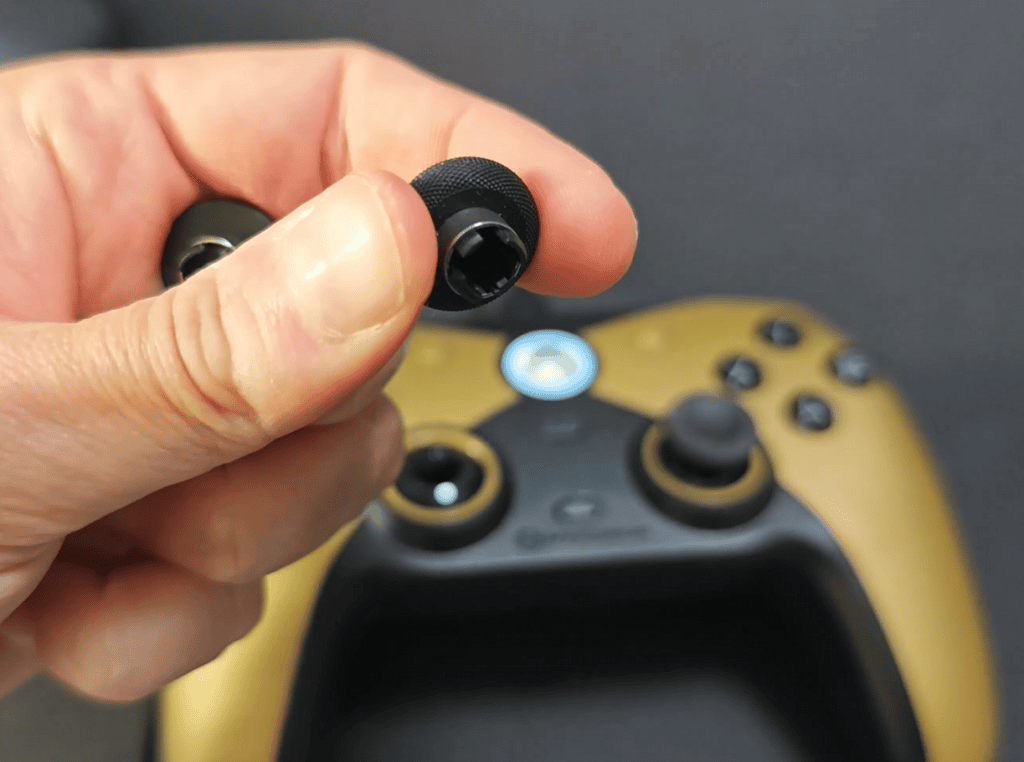
- Swappable Thumbstick Caps: The box includes two sets of caps—one Xbox-style and one PlayStation-style.
- Premium Durability: The sticks feature metal rings around the base, ensuring smooth rotation and preventing the “plastic grinding” feel found on cheaper units.
The “Wired” Debate
While many people prefer wireless, I’ve come to see the wired connectivity as a major “pro.” There is no battery to charge and no mid-game disconnects. Hyperkin includes a very generous cable length, though you will need to manage the wire on your desk.
The Bottom Line
At around $50–$60, the Hyperkin The Competitor punches way above its weight class. It offers the precision of Hall Effect sensors and the comfort of a PlayStation layout, all while maintaining official Xbox licensing.
Pros
- No Stick Drift: Hall Effect sensors ensure longevity.
- Symmetrical Layout: Perfect for PlayStation converts.
- Pro Features: Programmable back buttons with physical locks.
- Affordable: Great value compared to “Elite” style controllers.
- Audio Jack: 3.5mm support for your favorite wired headsets.
Cons
- Wired Only: Might not suit couch gamers who sit far from the TV.
- Button Positioning: The front buttons can be easy to bump accidentally until you get used to the layout.
- Size: May be too large for children or those with small hands.
Final Thoughts: I met the Hyperkin team at CES in January, and their commitment to high-quality, niche gaming hardware is evident here. The Competitor has earned a permanent spot on my desk for all my PC gaming.
[Check out the Hyperkin Competitor on Amazon] (Insert your affiliate link)